Walkthrough · 7:43
Watch an ABOG case list get built from a note
Start to finish in under eight minutes: a note goes in, the de-identification review runs, and an ABOG case list entry comes out, kept with the full case in your vault. The note in this video is synthetic.
The video plays from YouTube once you press play; nothing loads from YouTube before that. Watch on YouTube
Chapters
-
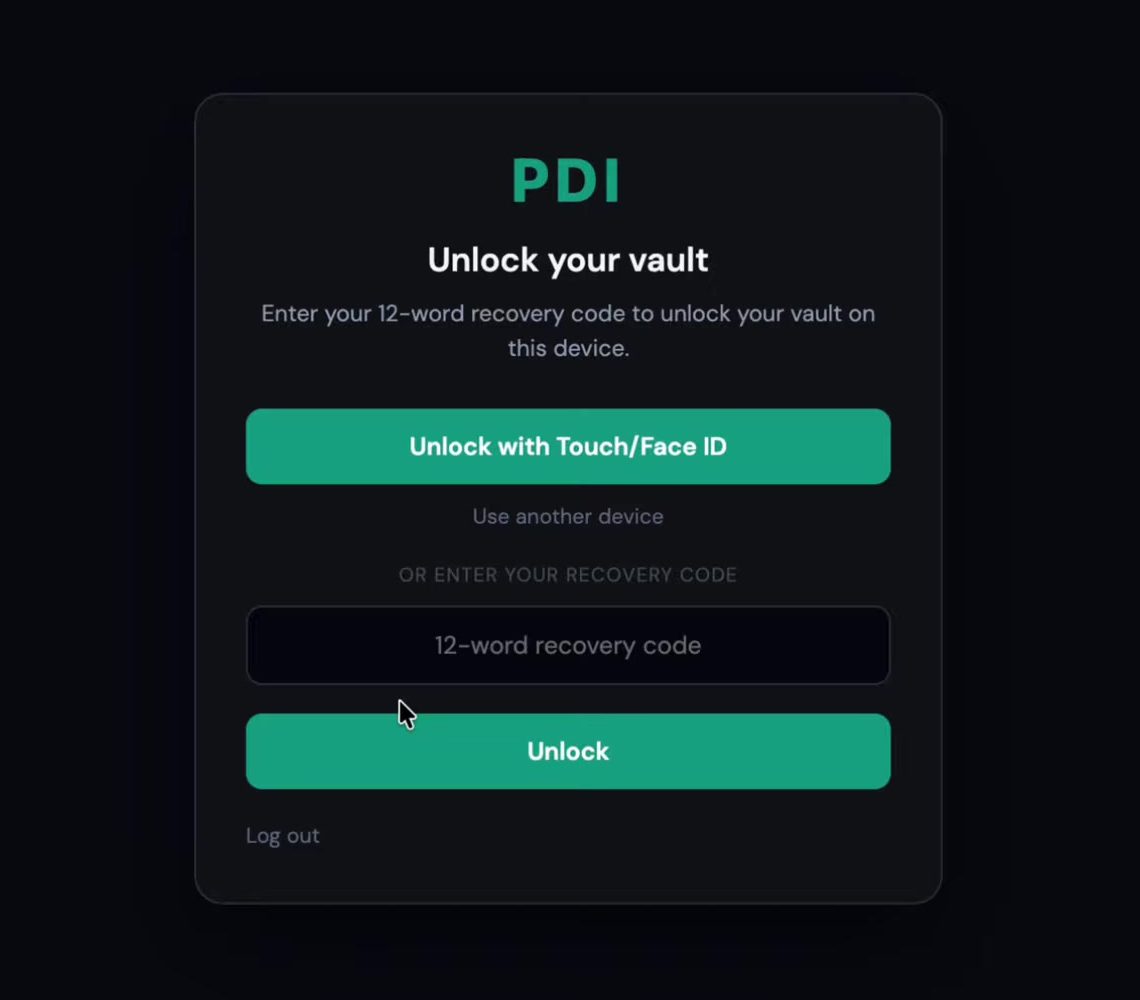
Dan Bristow, MD, founder of PDI Med, introduces a case log and board preparation tool built by a physician who is collecting cases for boards now. Then signing in, and the two locks: the first opens your PDI Med account, the second opens your vault.
At 0:45 in the video -
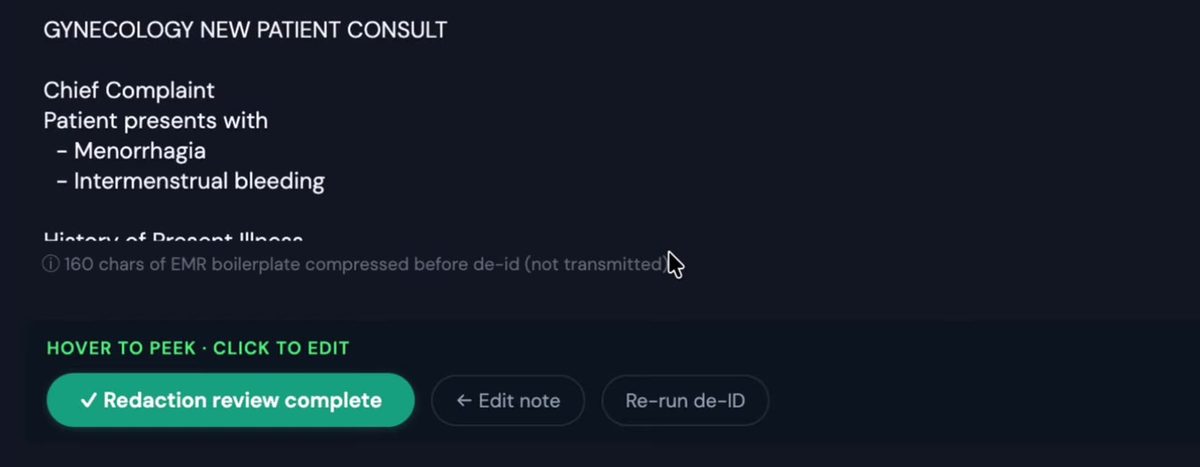
A synthetic note about prolonged menstrual bleeding is pasted in. De-identification runs first, then the mandatory review: you check what was found before the note is sent, and clear anything flagged that is not PHI. Multi-layer de-identification with physician verification.
At 2:05 in the video -
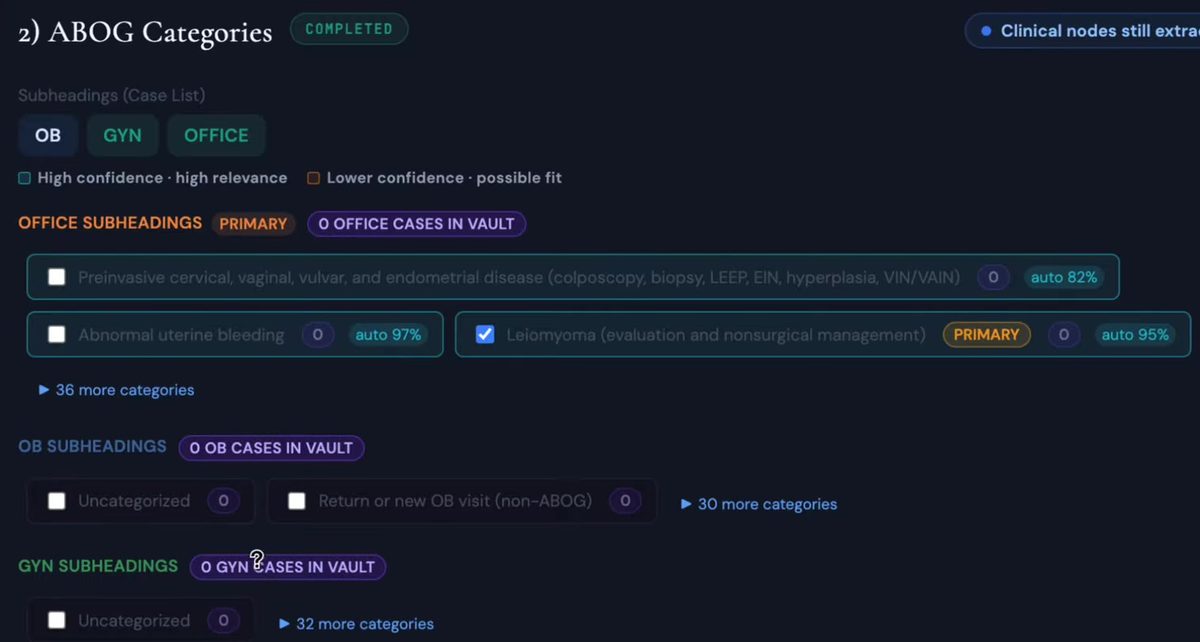
PDI Med reads the note and suggests the ABOG subheadings it fits (here, a fibroid case), with how many cases you already have under each. The descriptive fields arrive filled in, using ABOG abbreviations, for you to edit. A refinement question about the case comes up while it is fresh.
At 3:20 in the video -
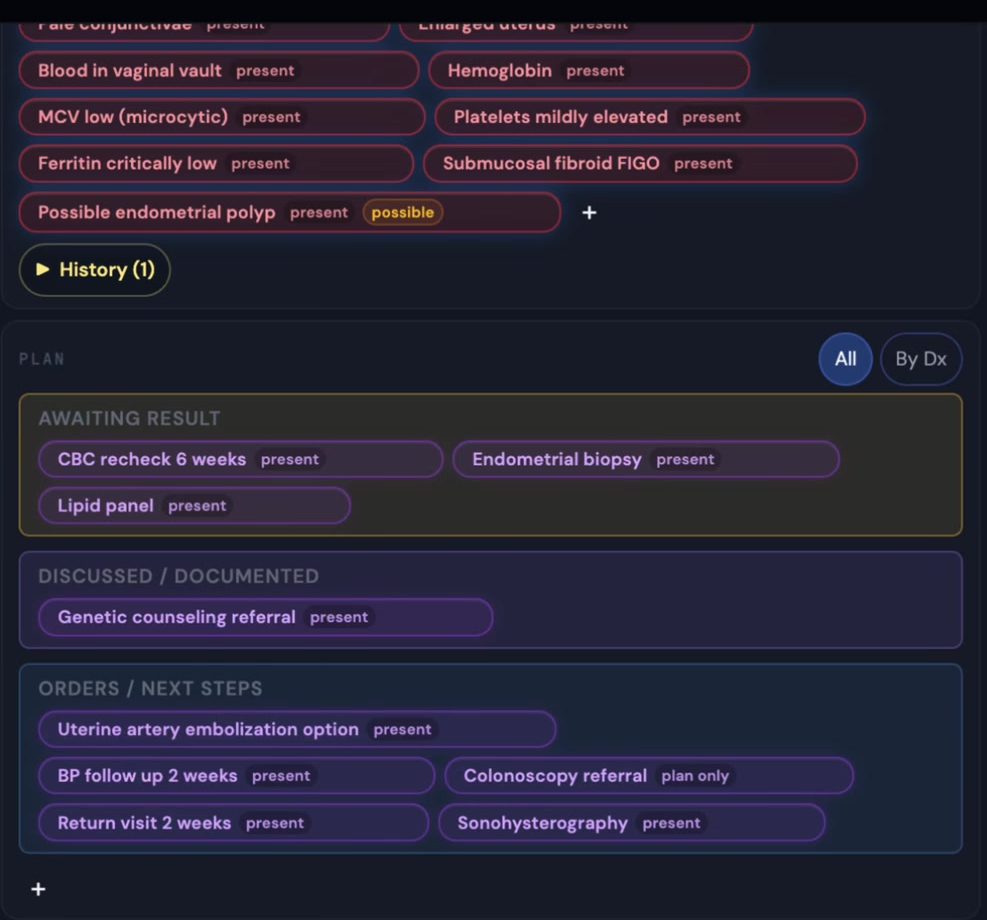
The note broken into clinical nodes, with what was extracted and why. Each item is marked discussed, documented or awaiting. Committing runs a final check, then saves the case to your vault.
At 5:45 in the video -
The vault holds the full case, organized as symptoms, diagnostics, findings, procedures, medications, plan and history, beside the source note.
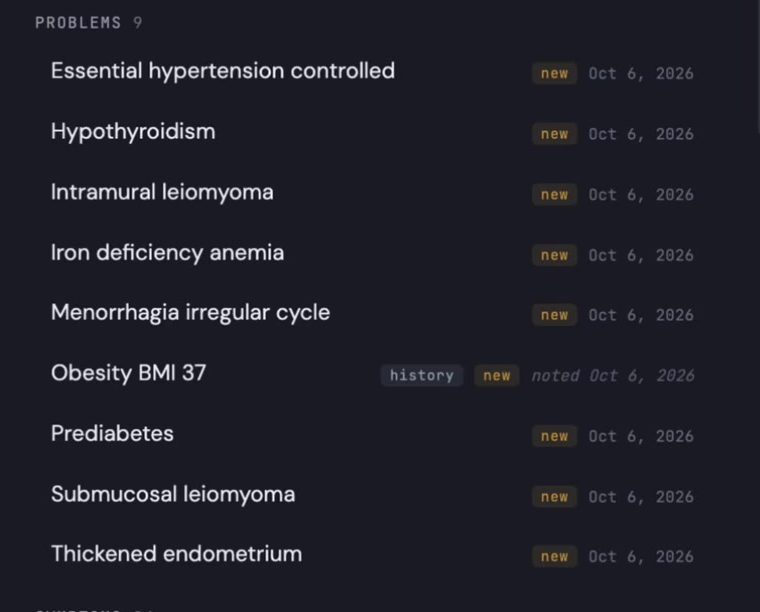
At 6:18 in the video -
The case list built from your committed cases: subheadings you can organize, timelines, an automatic summary of each case, and suggested ACOG articles that link to the article itself. Standardized defense cards are planned.
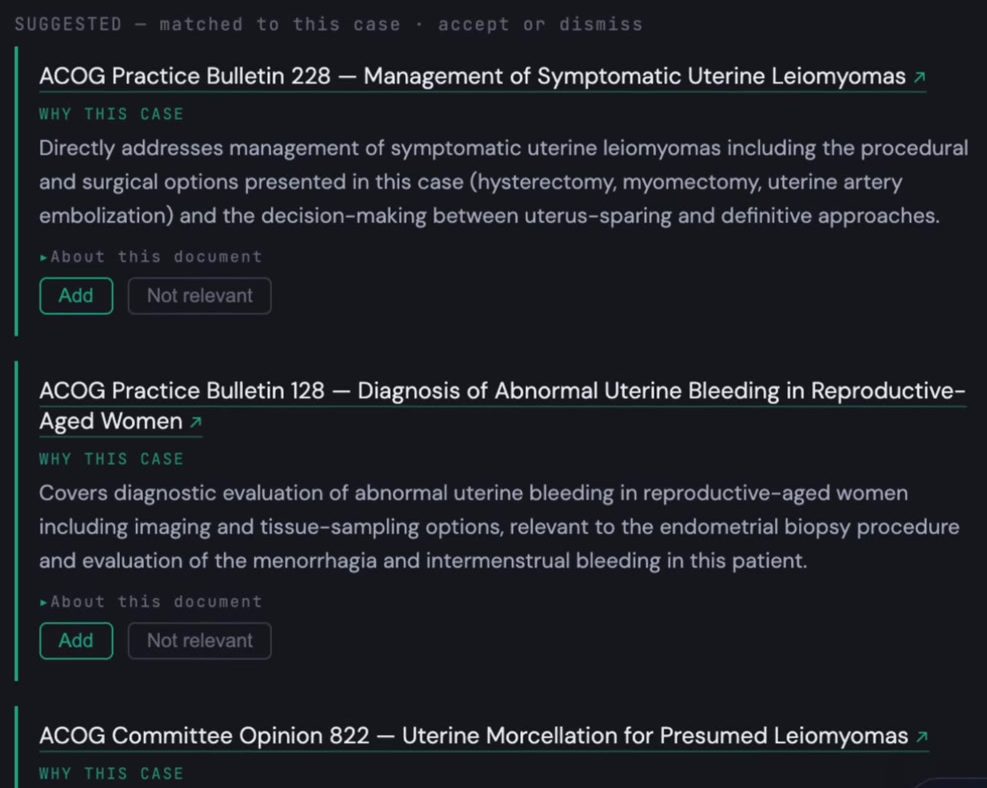
At 6:58 in the video